
I Built a Mac Teleprompter with Vibe Coding: Small Tools Deserve to Be Finished Properly
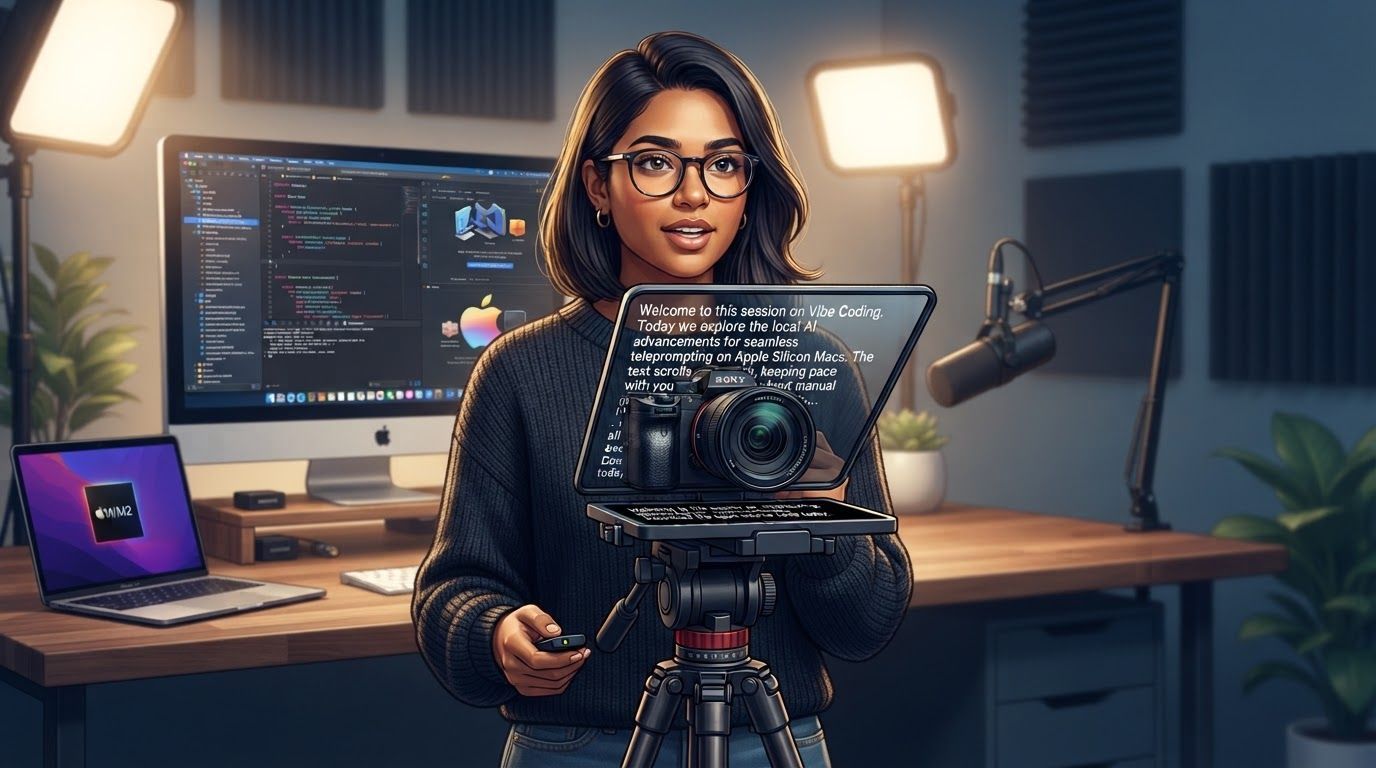
A Mac teleprompter built with Vibe Coding: a local AI model advances the lines automatically, so you don't scroll by hand while talking. Processing stays on the device and footage needn't go to the cloud, though it only runs on Apple silicon Macs. Beauty filters complete the recording workflow, and the code is open source to download and modify.

I Built a Mac Teleprompter with Vibe Coding: Small Tools Deserve to Be Finished Properly
Anyone who records videos has probably run into the same dilemma: stare at the script and your face and eyes go stiff; look away entirely and you stumble halfway through. A teleprompter exists to resolve that tension. I used Vibe Coding to build a small Mac app that does exactly this one thing.
It is a teleprompter that shows your lines as subtitles and advances automatically, powered by a local AI model. Put in what you want to say, and it prompts you while you record. The prompting is automatic, so you don't have to control the scrolling by hand while you talk. The model runs on the machine itself, so there's no need to send your material to the cloud just to get your lines.
Get the One Job—Prompting—Right First
With a lot of tools, the problem isn't a shortage of features. It's that the core step doesn't flow. A teleprompter is a particularly clear case: it sits between the camera and the speaker, so a single stutter, delay, or interruption ends up in the recording.
That's why this app starts with a very narrow goal: let the prompt move with the talk, so nobody has to babysit the tool. That's the value of automatic scrolling. The display keeps pace with the talk, no manual control is needed, and attention goes back to the content and the camera. The interface, the buttons, the settings—all of it exists to serve that one step.
Putting the Model on the Device Is a Choice with a Cost
The most immediate benefit of running the AI model locally is that processing happens on your own machine. The prompting itself stays on the device, so you don't have to upload your recording material first; that removes a layer of waiting and worry. Network conditions are also much less likely to decide whether the prompt can run. For a tool used on set, where immediate feedback matters, that's a reasonable trade.
The cost is just as clear: local inference draws on the machine's own compute, which is why the app targets Apple silicon Macs only. This isn't a universal piece of software that installs on any computer. It's a small tool that tries to make the experience smooth on specific hardware. Knowing who it's for and which machines it can promise to work on is more honest than pretending to support everything.
Why Add Beauty Filters on Top of Prompting?
Solving only "what to say" doesn't yet make a tool you can record with. Once people have their lines, they immediately care about how the image looks: skin tone, lighting, overall texture. If they have to switch to another app to fix that, the workflow breaks in two.
So I added beauty retouching and filters on top of the teleprompter. It looks like an extra feature, but it's really about closing the whole path: see the prompt, start talking, and end up with footage you can use, as much as possible inside one app. Whether a tool is good often depends less on the length of its feature list than on whether the last step sends people back to square one.
Open Source Makes "Go Play with It" Real
The code is open source, and the link is in the video description. If you have an Apple silicon Mac, download it and play with it however you like. If you want to change it and build on it, go ahead.
Open source suits small tools like this especially well. Teleprompter needs are scattered: some people record talking-head videos, some record courses, some just want to share something once in a while, and everyone wants a slightly different interface and set of details. I can't cover every scenario on my own, but once the code is public, others can adapt it to their own needs instead of waiting for an official release.
That said, this isn't a product with a commercial support promise. It's for people who are willing to tinker: download it, use it, and fix what doesn't fit. Vibe Coding lowers the barrier to turning an idea into a program, but what ultimately decides whether a tool is worth anything is whether one specific job gets finished and made smooth.
If you happen to use an Apple silicon Mac, grab the link from the video description. A small tool doesn't have to change the world. If it saves you one stumble or one retake, that's already worth it.